Your own recipes, fully worked out — once.
Home cooking is the part most calorie apps quietly give up on. Add a recipe by typing it, pasting it or photographing it, tell Fotocal how many servings it makes, and it works out what the whole dish contains and what one serving contains — calories, macros and micronutrients. Then it saves it, so the next time you cook it, logging costs one tap.
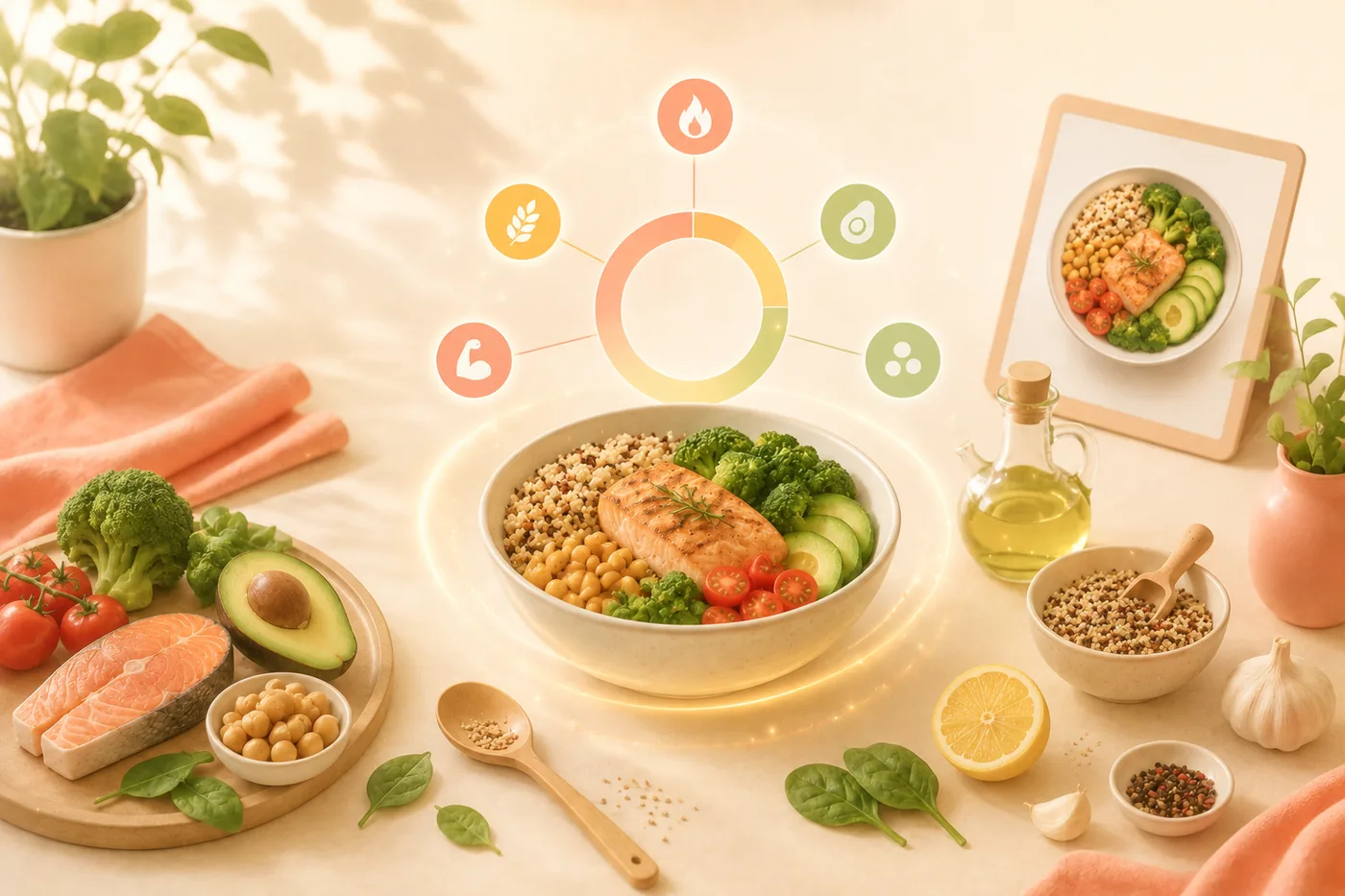
Cook it once, solve it forever.
The work happens the first time. Every time after that, your own recipe behaves like any other food in the database.
Add the recipe
Type the ingredients out, paste them in from wherever you found them, or photograph a written or printed recipe and let Fotocal read it off the page.
Say how much it makes
Set the number of servings, or the finished weight if that is easier to measure. This is the step that turns a pot of food into a portion you can actually log.
Fotocal does the arithmetic
Every ingredient is matched and totalled — calories, protein, carbs and fat, plus the micronutrient picture for the finished dish.
Save it once, reuse it forever
The recipe goes into your library. Cooking it again is a single tap, and you can log half a serving or two servings without redoing any of the work.
The pot and the plate, separately.
Knowing what you cooked and knowing what you ate are two different numbers. Fotocal gives you both.
Whole-dish nutrition
The total for the pot, tray or bowl — genuinely useful when you are cooking for a household and want to know what you actually made.
Per-serving nutrition
The figure you will actually log, calculated from the servings you set rather than estimated after the fact.
Macros, split
Protein, carbs and fat, shown per serving and for the whole dish, so scaling up or down never means recalculating.
Micronutrients
The vitamin and mineral picture for the finished dish, not just the headline calorie count.
Ingredient-level detail
Every ingredient keeps its own numbers, so you can see which one is carrying the calories before you decide to change anything.
A reusable library entry
Home recipes stop being the hard part of tracking. Your Tuesday chilli is logged as fast as a banana.
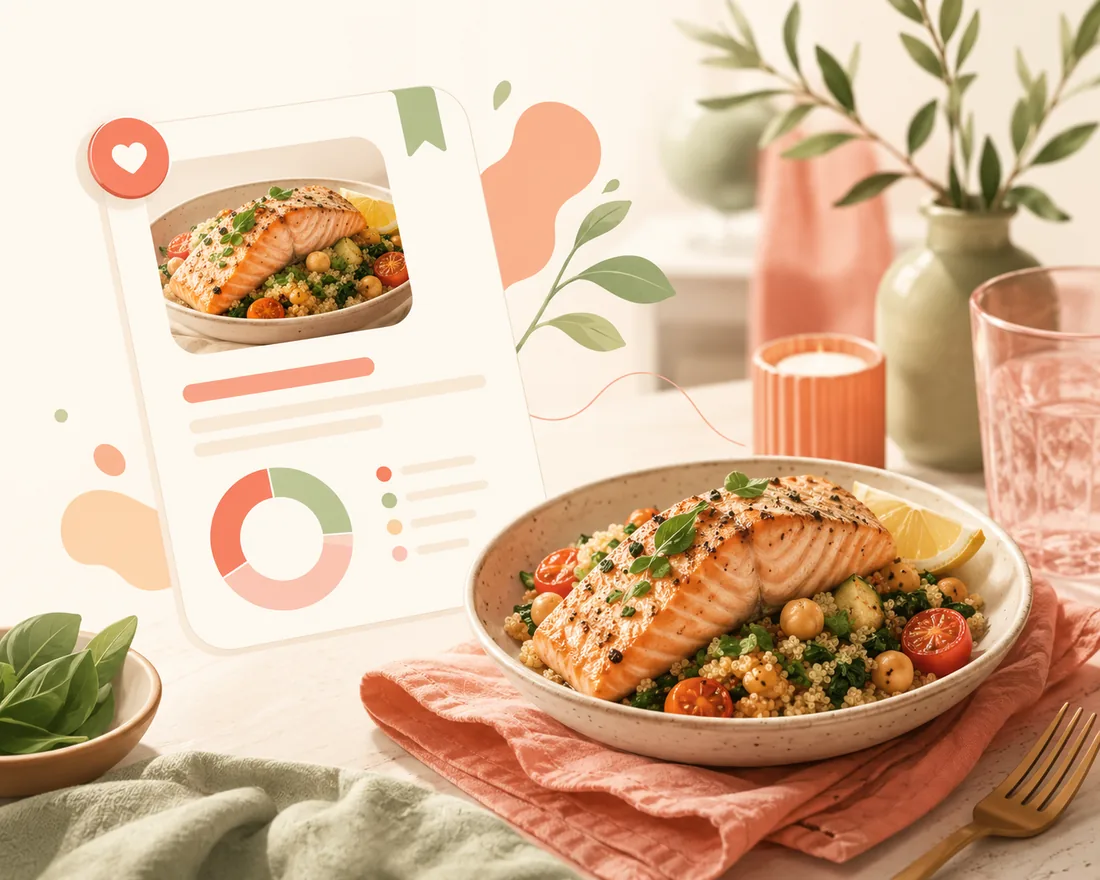
Cook it once, log it in a tap after that
The first time costs you an ingredient list. After that your own recipe sits in the library with its per-serving numbers already worked out, and logging Tuesday's dinner is as fast as logging a banana.
Change one ingredient, see the whole dish move.
Because the recipe is stored as its parts rather than as one number, you can experiment with it instead of just recording it.
- Swap an ingredient or change an amount and the totals — whole dish and per serving — update straight away.
- The per-ingredient breakdown shows you where the calories actually sit, which is often not where people assume.
- Coach Kal can look at a saved recipe and suggest specific, realistic changes: more protein, less added fat, a higher-fibre swap.
- Logged servings feed the same day totals, rings and Weekly Report as everything else — a home-cooked week is as measurable as a packaged one.
Questions about recipes
Can it read a recipe from a photo?
Yes. Photograph a handwritten card, a page from a cookbook or a screenshot, and Fotocal reads the ingredients off it. You get the chance to correct anything before it is saved.
What if I change the recipe later?
Open it and edit it. Ingredients, amounts and serving count can all be changed, and the totals recalculate. Meals you already logged keep the numbers they were logged with.
How accurate is it?
It is as accurate as the ingredient list you give it. “200 g chicken breast” produces a much better result than “some chicken”, and weighing the two or three biggest items is usually enough to make the whole dish reliable.
Can I log half a serving?
Yes. Servings are adjustable at the point of logging, so half, one and a half or two all work without touching the saved recipe.
Keep reading
Practical guides for people who cook their own food.
Put your own cooking on the map.
Fotocal is free to start, with a 5-day free trial on the paid plans.
GET IT ONGoogle Play